blackwhiteimage
Black & White Image Tools
Two Python scripts for converting images to black-and-white and for isolating dominant colors.
Setup
pip install -r requirements.txt
bw_convert.py
Converts a PNG to black and white based on a darkness threshold. Always produces three output files in one run.
Arguments
| Argument | Required | Description |
|---|---|---|
input |
Yes | Path to the input PNG file |
threshold |
Yes | Darkness threshold as a percentage (0–100). Pixels darker than this become black; the rest become white. |
-o, --output-dir |
No | Directory for output files. Defaults to the same directory as the input. |
--no-despeckle |
No | Disable the default median-filter despeckling step. |
Outputs
Given an input file photo.png, three files are always written:
| File | Description |
|---|---|
photo_bw.png |
Plain black-and-white RGB image |
photo_bw_transparent.png |
Black pixels visible; white pixels are transparent |
photo_bw_inverted.png |
White pixels visible on a clear background (inverted) |
Examples
Produce oh fuck nicholas_bw.png, oh fuck nicholas_bw_transparent.png, and oh fuck nicholas_bw_inverted.png:
Input:
oh fuck nicholas.png — original
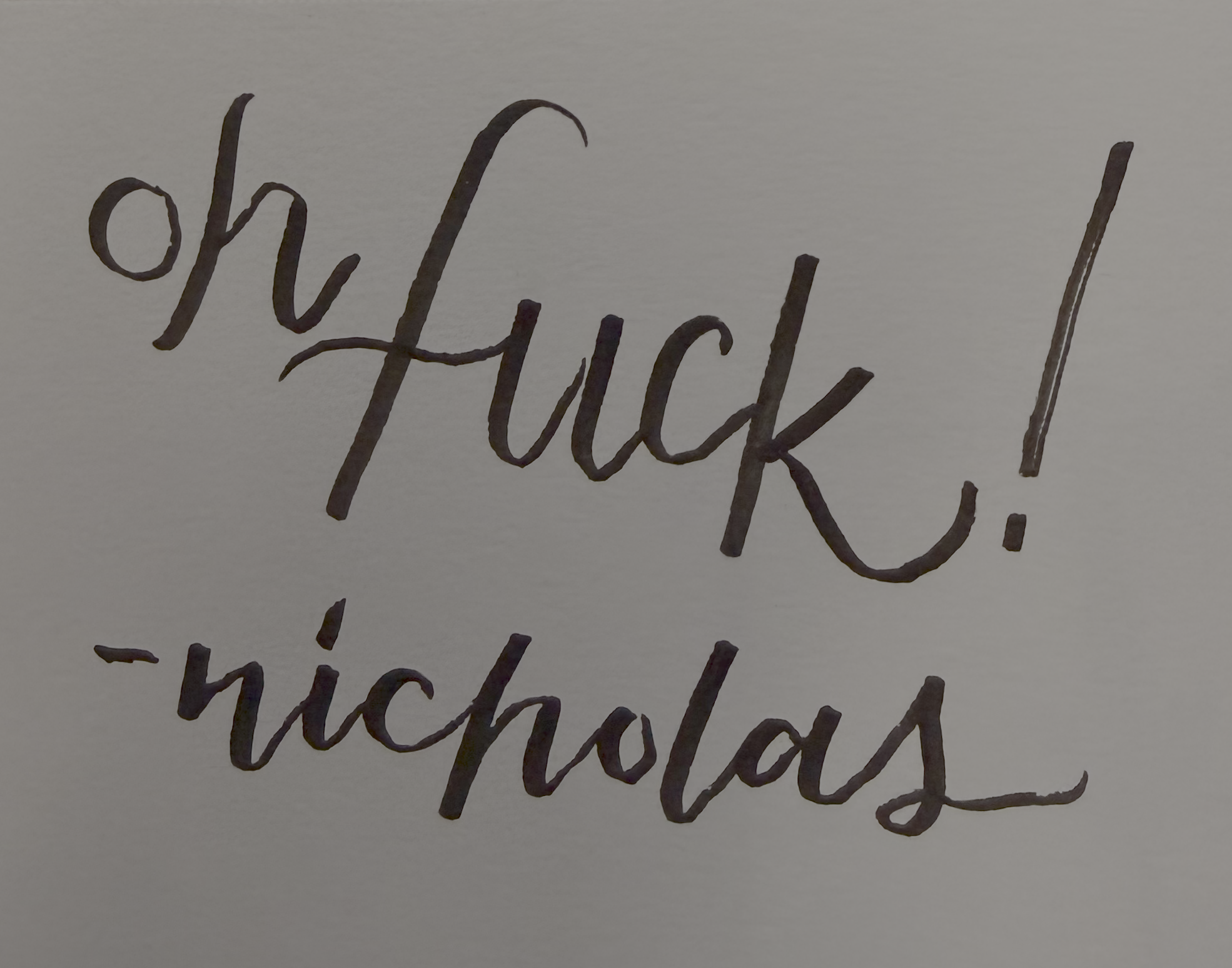
python bw_convert.py "oh fuck nicholas.png" 55
Output:
threshold=55

threshold=55, white→transparent

threshold=55, inverted, black→transparent

color_cluster.py
Finds dominant colors in an image using k-means clustering, or masks all pixels except those matching a target color.
Arguments
| Argument | Required | Description |
|---|---|---|
image_path |
Yes | Path to the input image |
--colors N |
No | Number of dominant color clusters to find (default: 2) |
--saturation F |
No | Saturation boost factor applied before clustering (default: 3.0) |
--contrast F |
No | Contrast boost factor applied before clustering (default: 1.5) |
--keep HEX |
No | Hex color to keep (e.g. #A3B2C1). All pixels outside this color become transparent. |
--fuzz F |
No | Max Euclidean RGB distance from --keep color to treat as a match (default: 30). Higher values keep more pixels. |
Modes
Color analysis (no --keep): prints the top N dominant colors with their RGB values, hex codes, lightness, and pixel counts.
Color isolation (--keep HEX): writes a new PNG with only the matching pixels kept, named {stem}_{color-name}_{fuzz}.png.
Examples
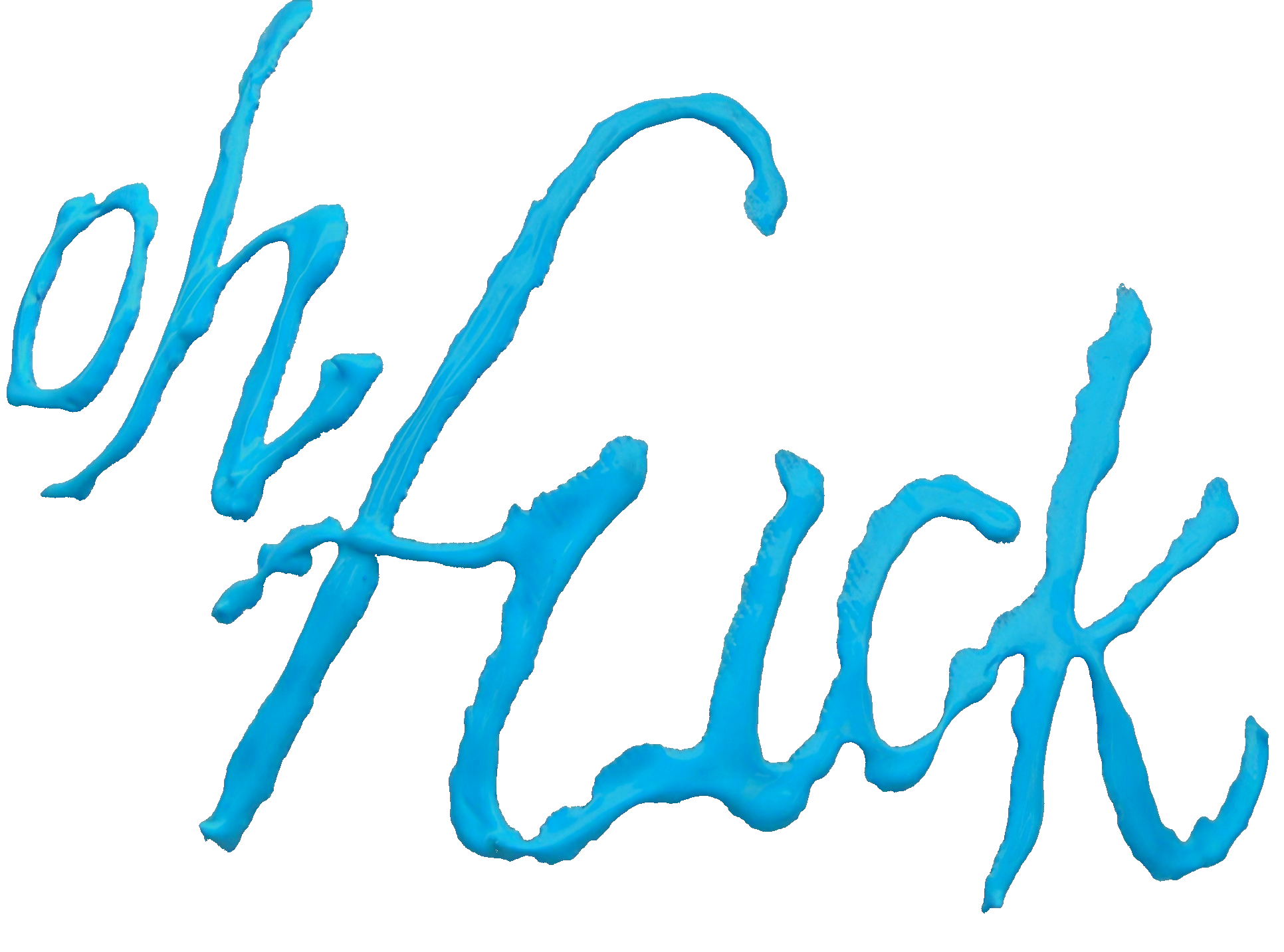
Analyze dominant colors in oh_fuck_hat.png:
oh_fuck_hat.png — original
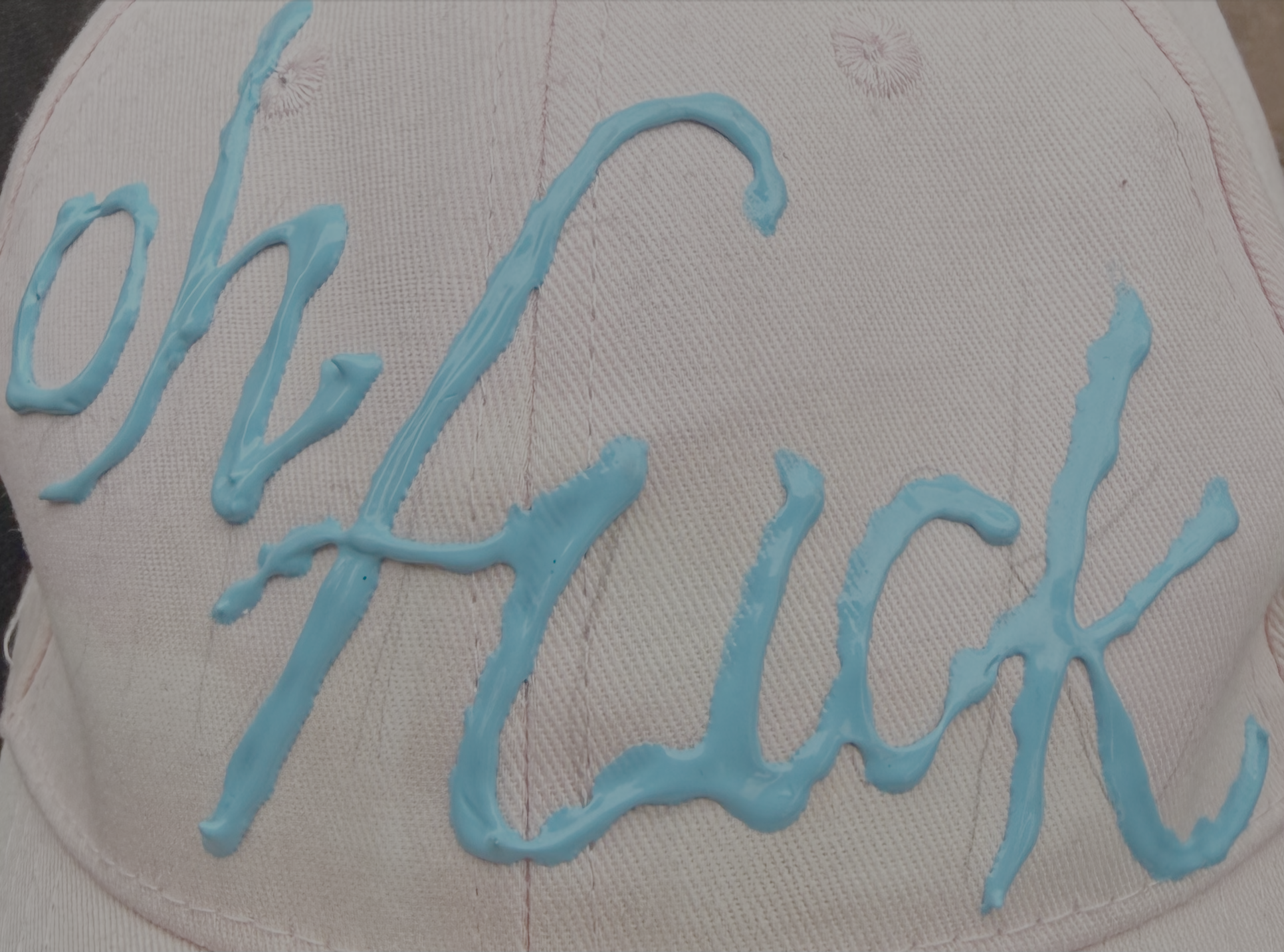
python color_cluster.py oh_fuck_hat.png --colors 5
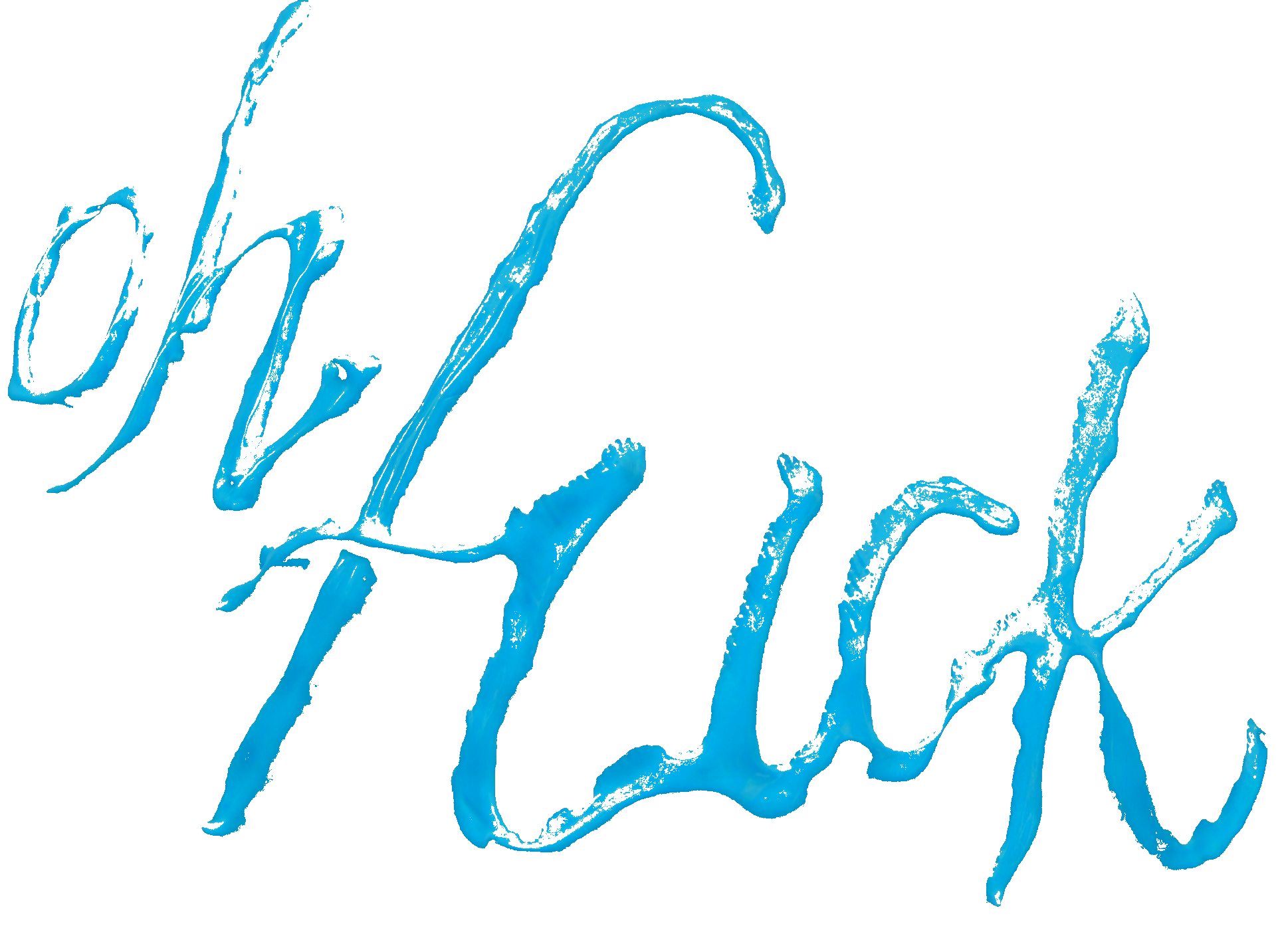
Produce oh_fuck_hat_structural-blue_30.png (tight isolation, fuzz=30):
# <FILL IN HEX COLOR>
python color_cluster.py oh_fuck_hat.png --keep 10A6D5 --fuzz 30
–keep #10A6D5 –fuzz 30
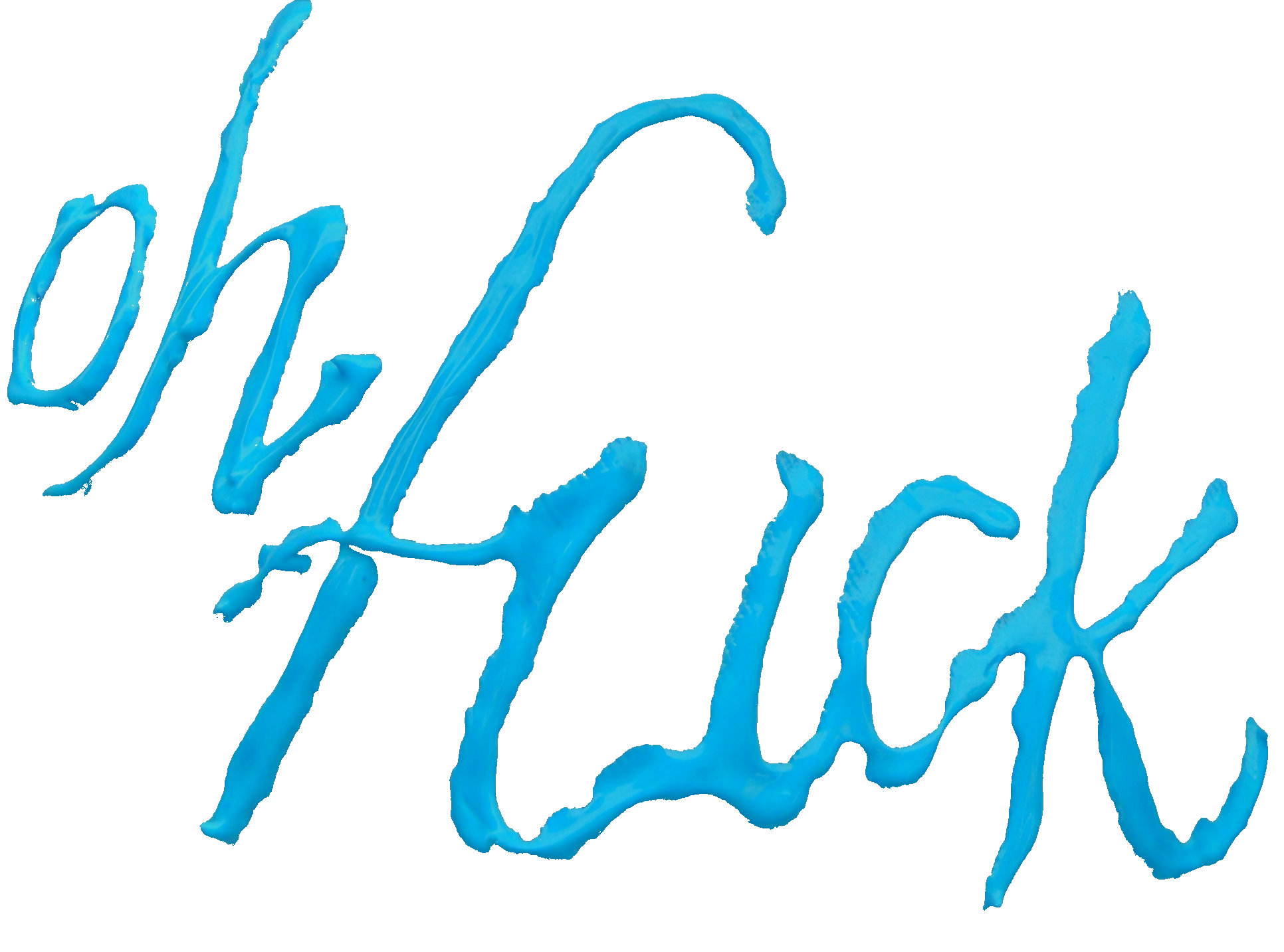
Produce oh_fuck_hat_structural-blue_60.png (medium isolation, fuzz=60):
python color_cluster.py oh_fuck_hat.png --keep 10A6D5 --fuzz 60
–keep #10A6D5 –fuzz 60
Produce oh_fuck_hat_structural-blue_90.png (loose isolation, fuzz=90):
python color_cluster.py oh_fuck_hat.png --keep 10A6D5 --fuzz 90
–keep #10A6D5 –fuzz 90
Tip: Run without
--keepfirst to identify the hex color of the cluster you want to isolate, then use that hex with--keep.